

Forwarding Your Seat
To access our ticket transfer platform, head to eticketing.co.uk/evertonfc and click the customer icon at the top right of the screen to log in.
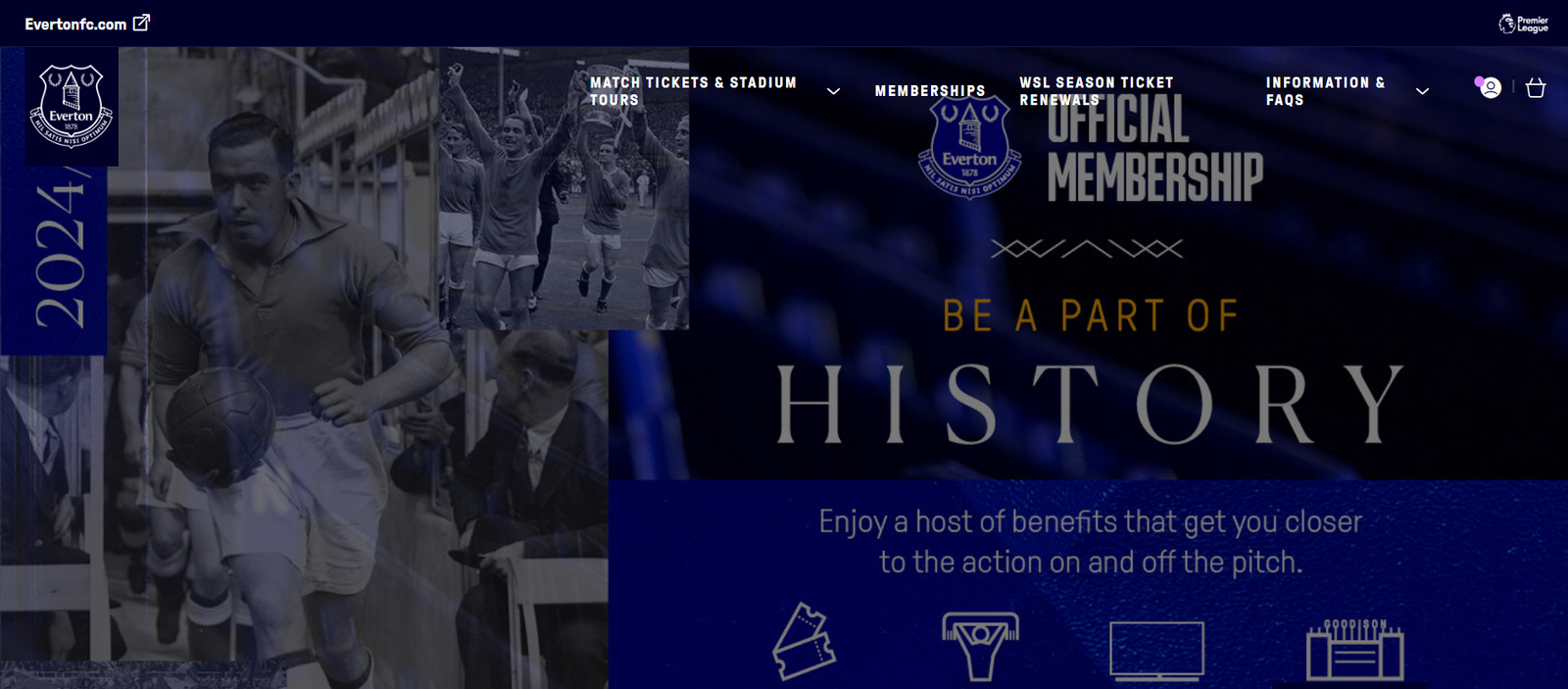
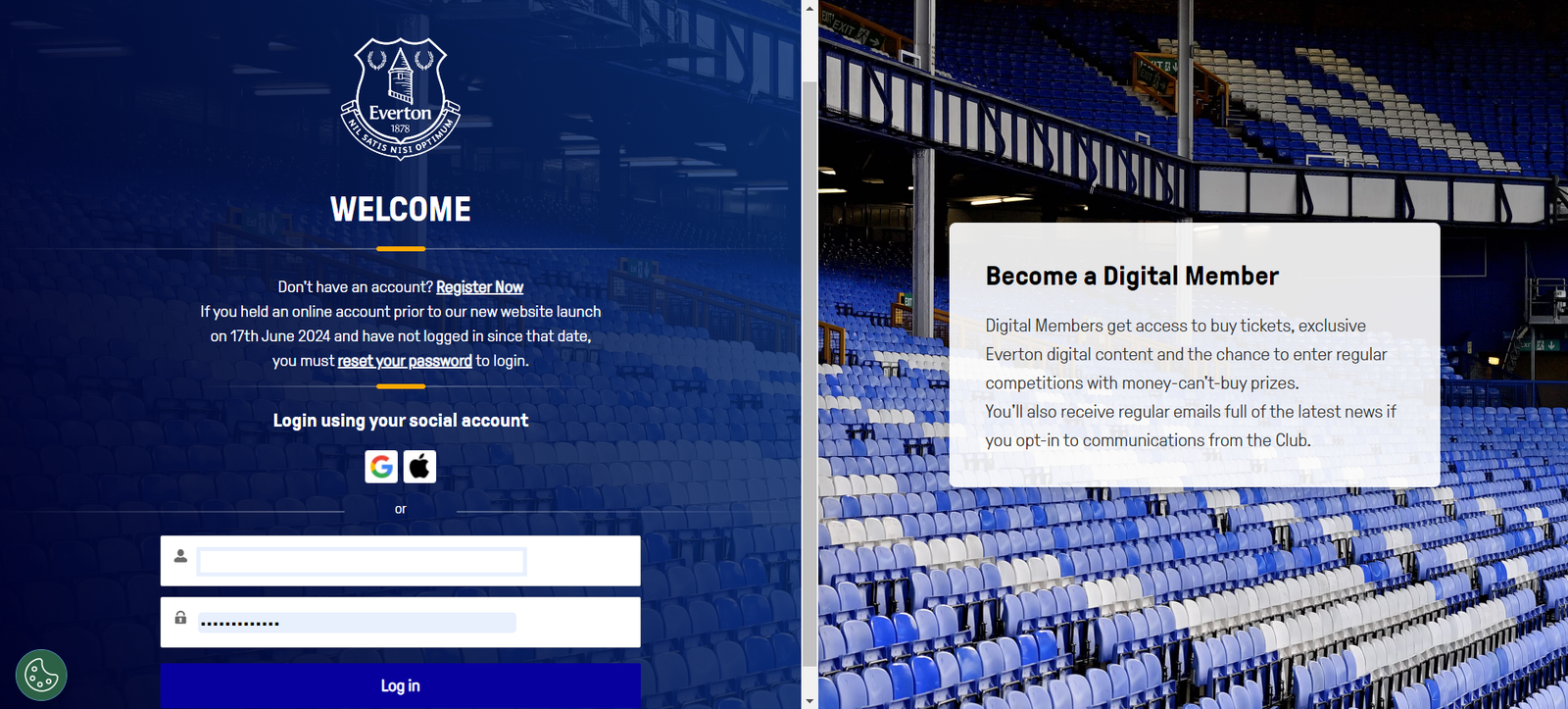
If you are already logged in at evertonfc.com this will automatically sign you in to your ticketing account. If you are not already logged in, you will be prompted to log in or create a Digital account.
Once logged in, click on the customer icon again. This will open some basic account information, such as your Supporter Number, the total number of away credits you have, and your current Ticketing Credit Balance. You will also see that it displays your ‘Next Game’, with the option to ‘Manage Tickets’.
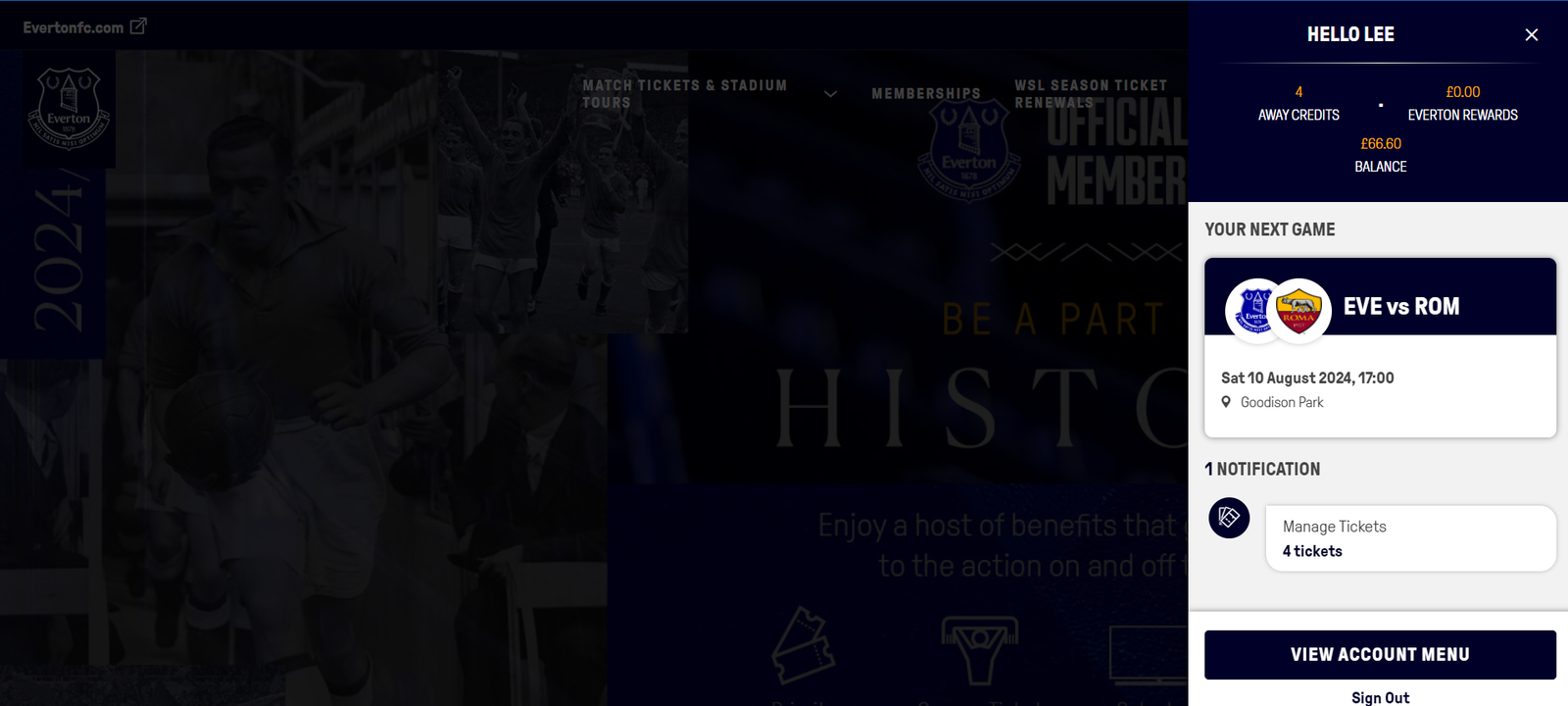
Select MANAGE TICKETS.
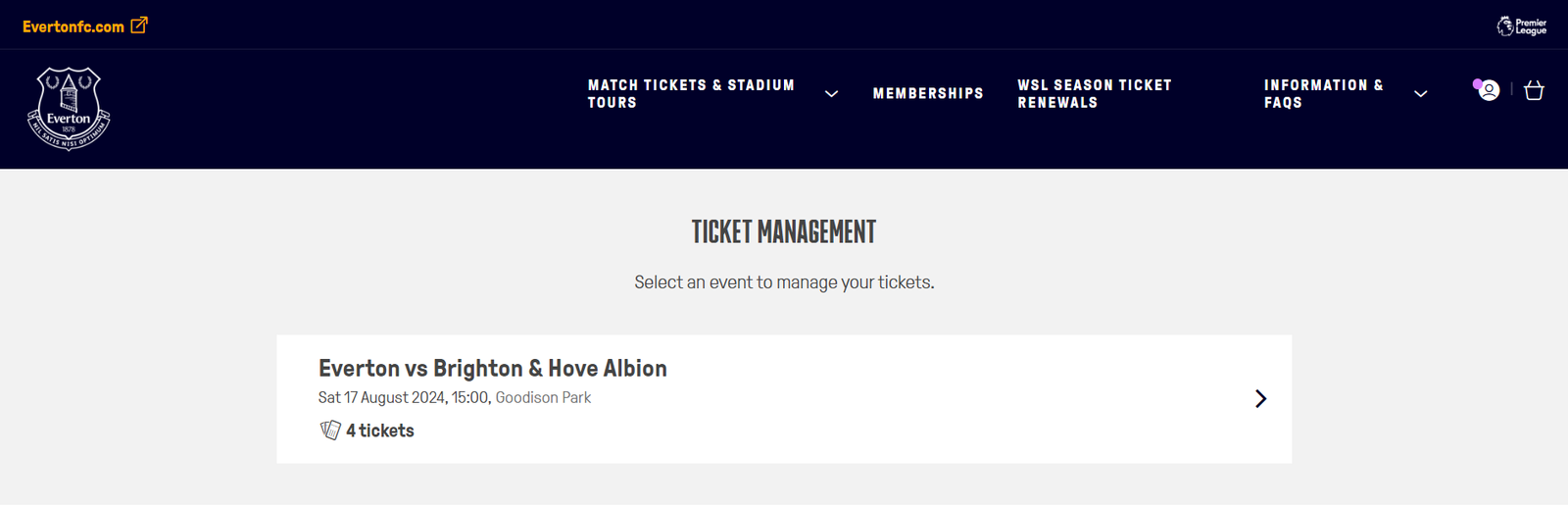
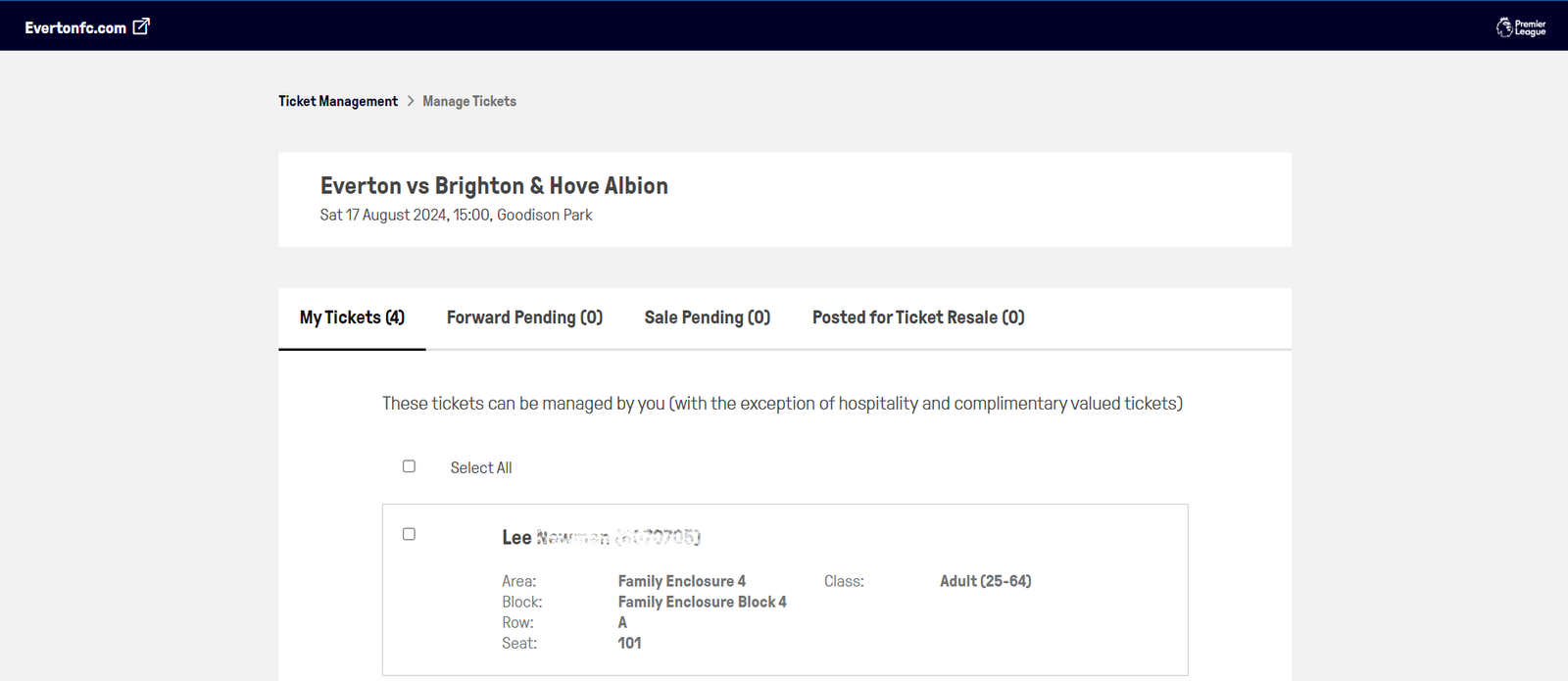
The fixtures for which you can transfer your Season Ticket seat will appear here. You will need to select the match you'd like to list your ticket for. If you have people in your network whereby you can manage their tickets, these will also be displayed. For more information on using your network, click here.
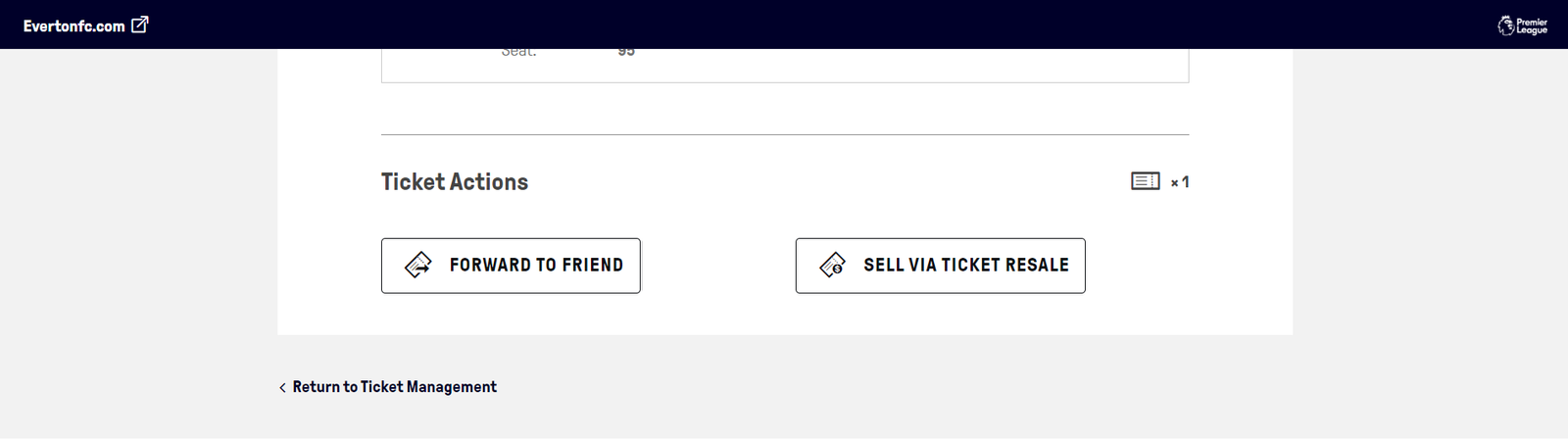
Ensure the box is ticked next to the correct seat(s) and, to transfer them to a Forever Blue member in your network, click on ‘Forward to Friend’ under ‘Ticket Actions’.
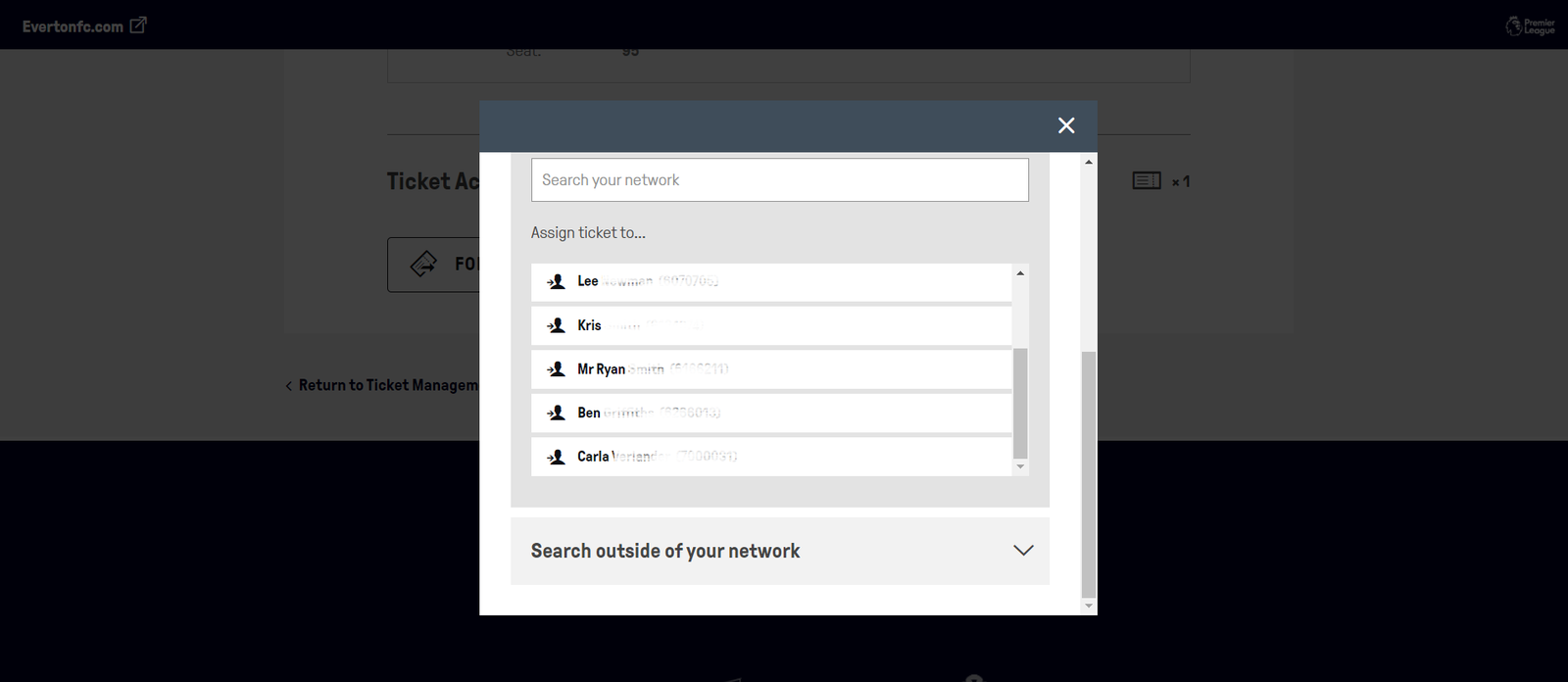
You will then be prompted to select the relevant person in your network to transfer the ticket to.
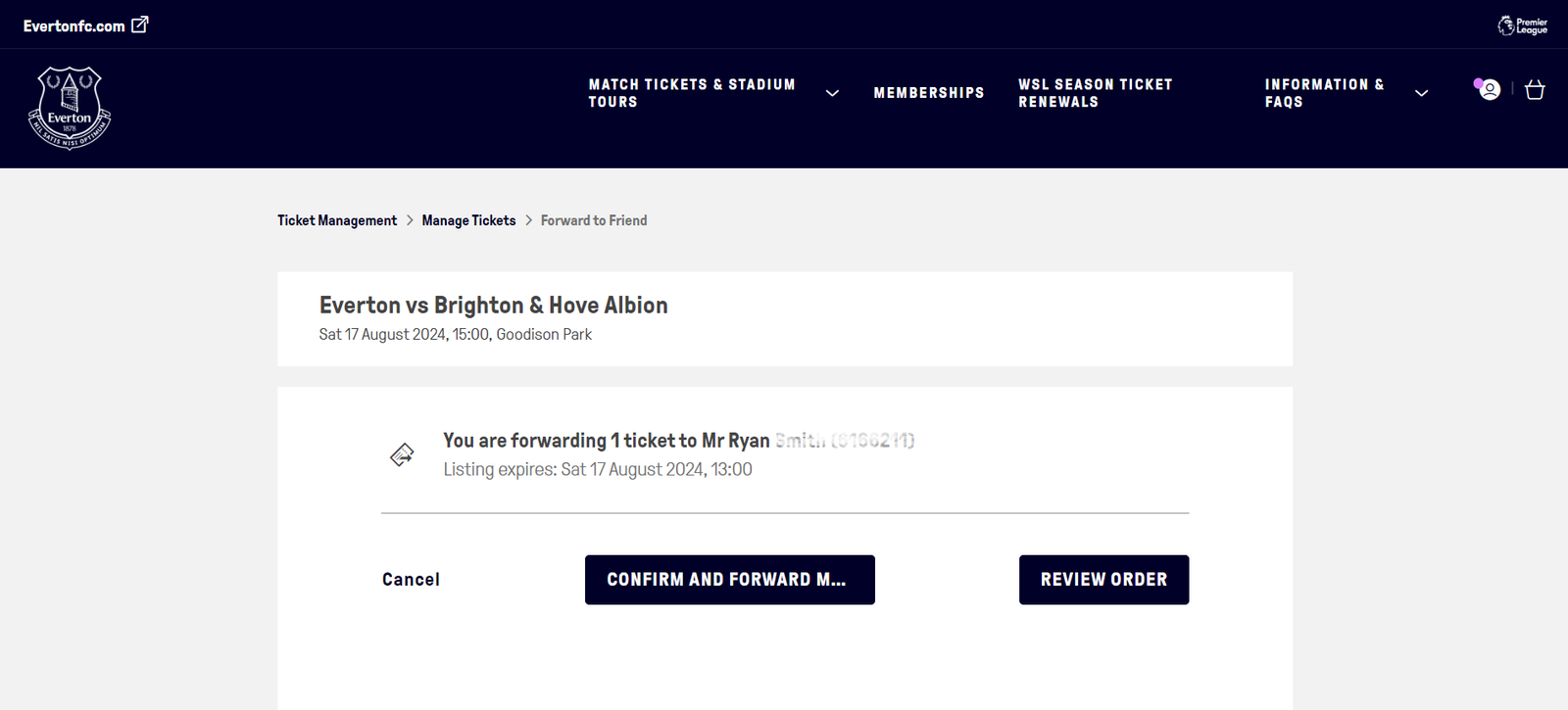
Once done, you will be need to click the button to ‘Confirm and Forward Match Ticket’.
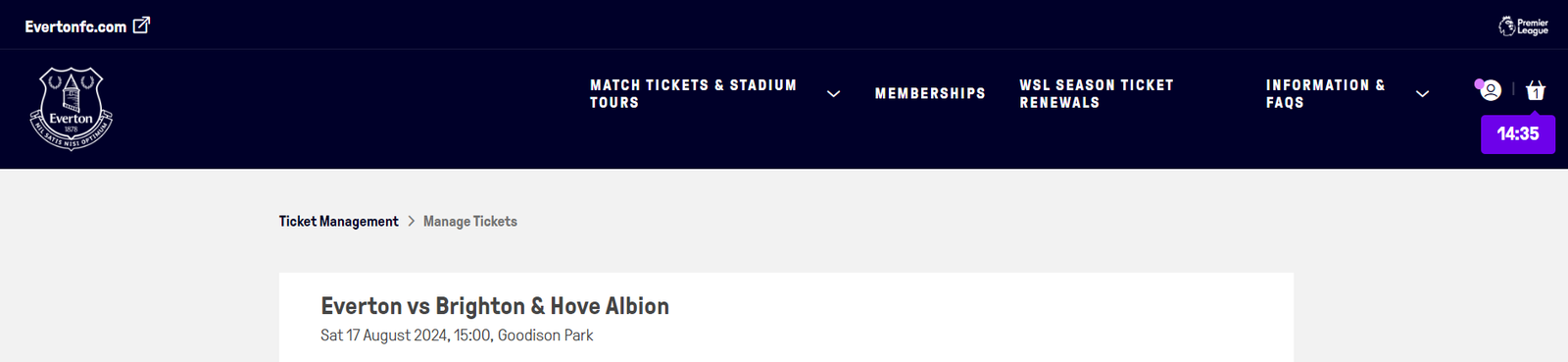
The ticket will then be added to your basket to then transfer to the recipient. Click on the basket icon in the top-right corner.
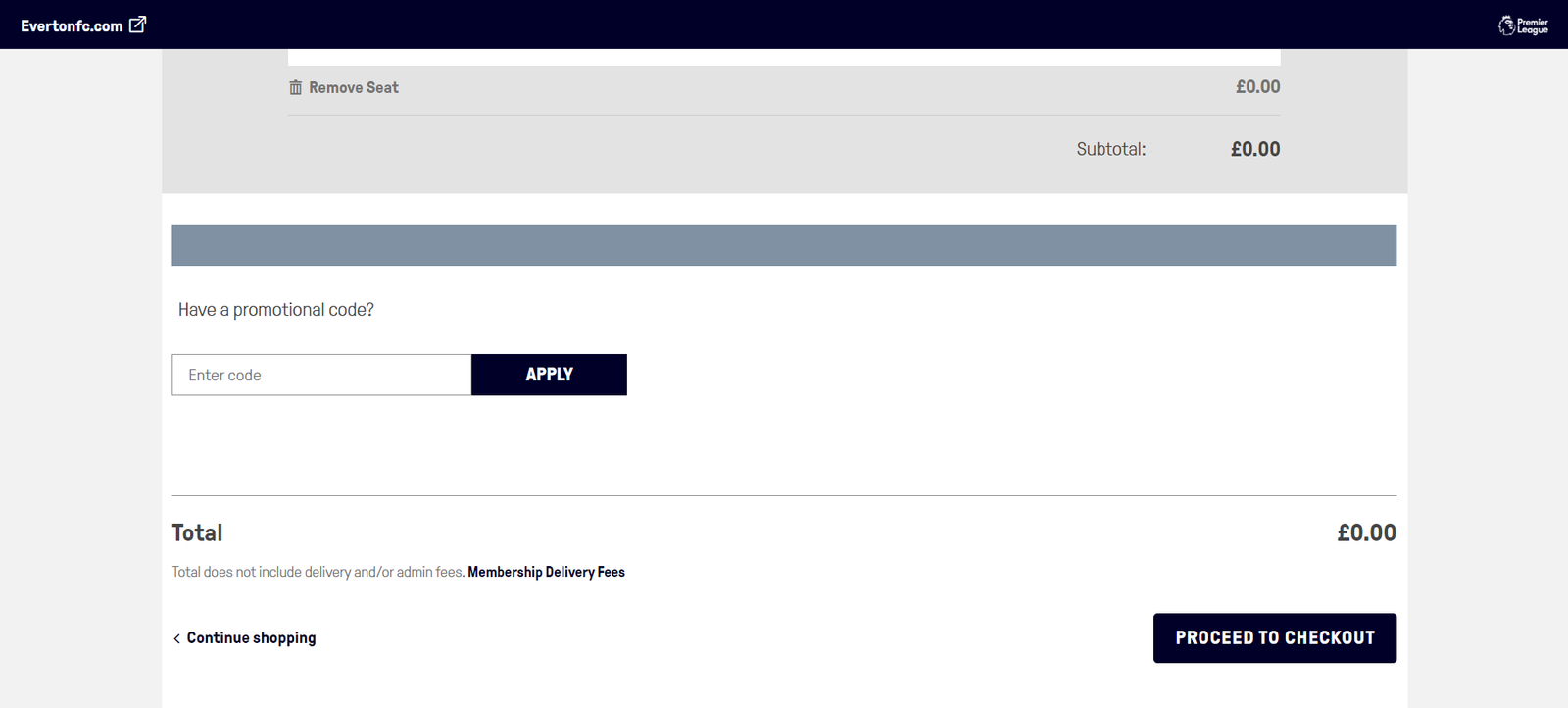
You will then see a summary of the fixture and seat you are transferring. Click on ‘Proceed to Checkout’.
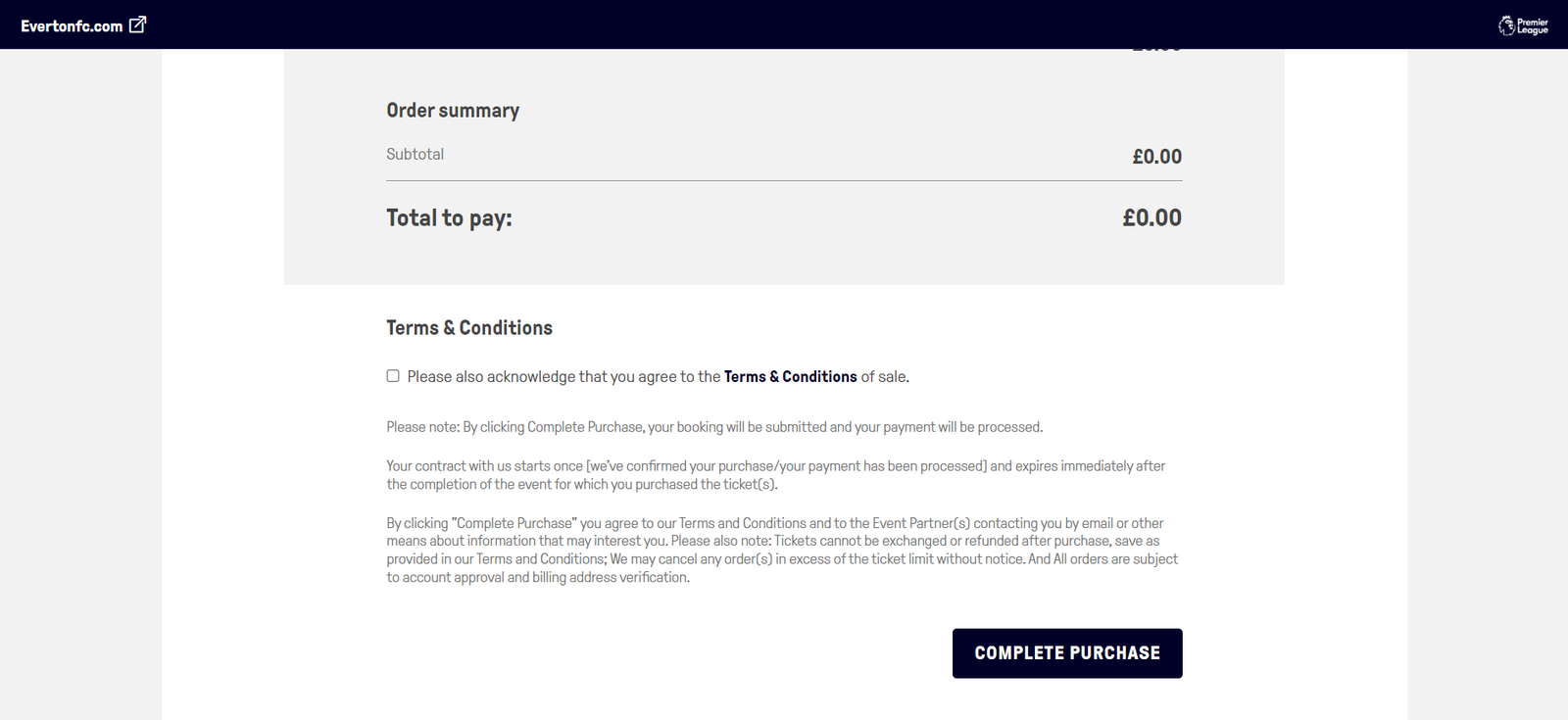
Review the seats being transferred before reading and accepting our terms and conditions, and then click on ‘Complete Purchase’.
You will next see a screen confirming the seat transfer.
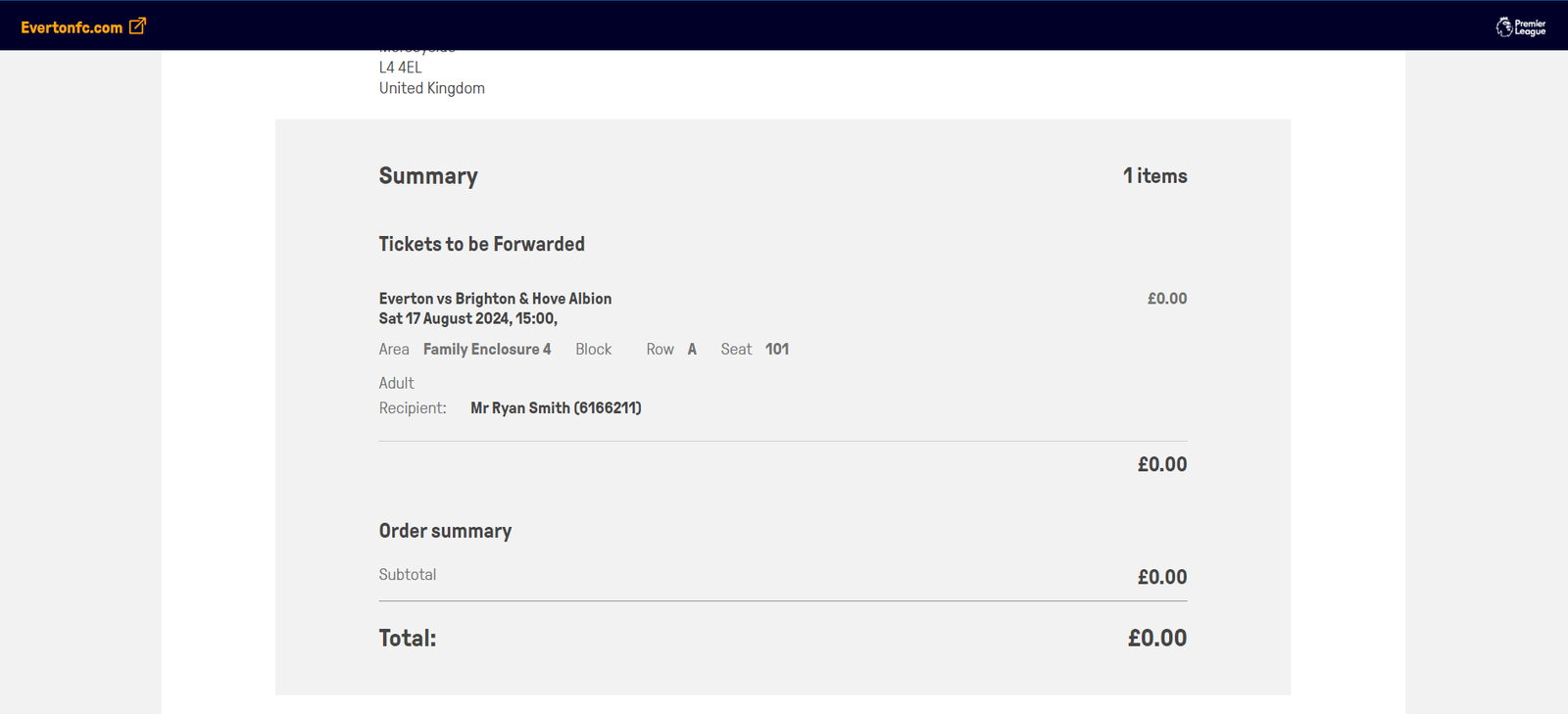
Note: The recipient will now receive an email with instructions on how to accept and download the ticket that has been forwarded.
Reclaiming your seat
Should a supporter now wish to attend a fixture and their ticket has not yet been accepted by the recipient, they can do so by following the same steps as above.
Click on the tab for ‘Forward Pending’. The ticket will be displayed in this section:
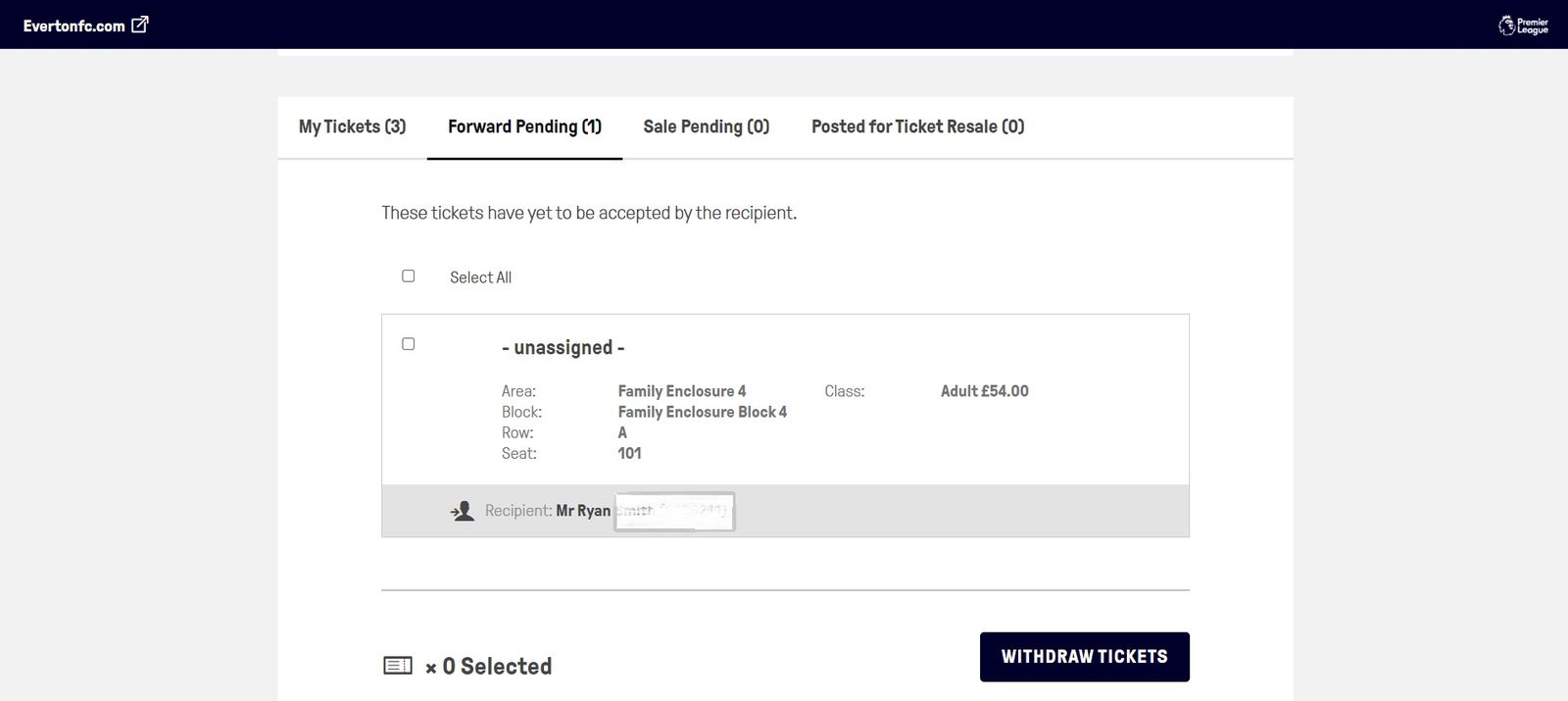
Tick the box next to the seat to select the seat(s) you wish to claim back.
Once seat is selected, click on ‘Withdraw Tickets.
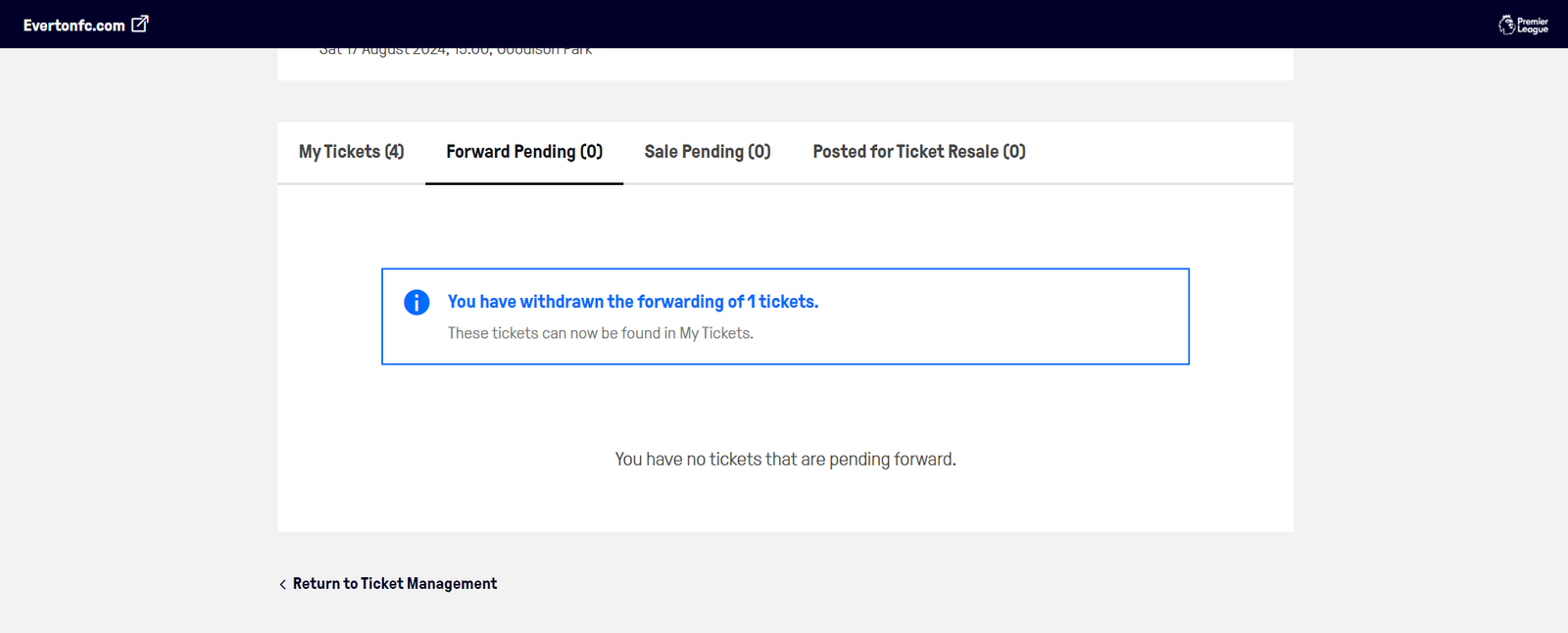
Your seat has now been reclaimed from a transfer and is now available to use.





















© Copyright 1878 - 2026 Everton Football Club